
Knowledgebase Getting started
How do I create a profile?
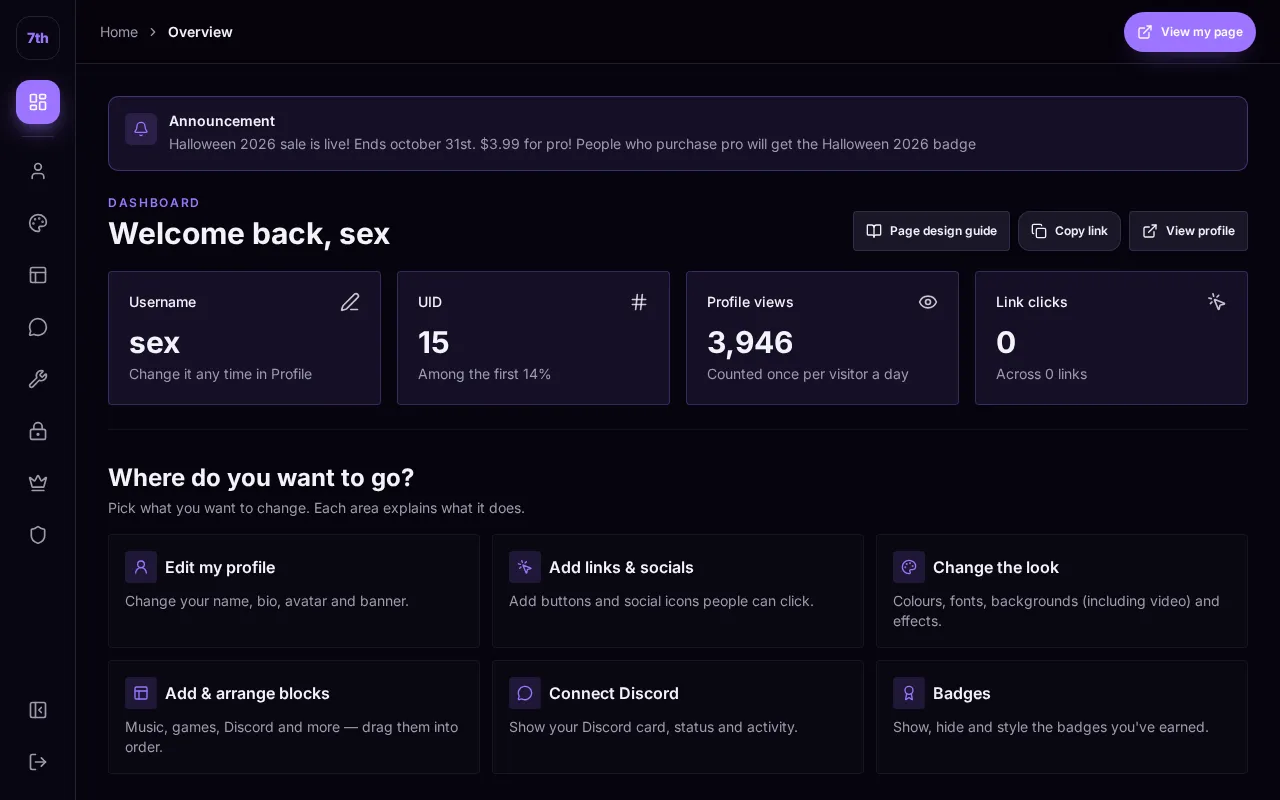
Step by step
- Open Sign up and choose one of the sign-in options currently offered, such as email or Discord.
- If an invite field is required, enter an unused code from a member or the team. Invite requirements depend on the current registration setting.
- For email signup, use an email address you can access and choose a unique password. Complete email verification if requested.
- Choose an available username and answer how you found 7th.lol when prompted.
- Open your dashboard and start customizing.
Go there now
Still need help?
Open a private support ticket for account or payment issues, or ask the community.